
What you can do with Atoo Studio
Atoo Studio gives coding agents a place to actually work — not just chat, but build, run, inspect and iterate on real software systems.
Why Atoo Studio?
Coding agents are powerful, but the workflow around them is still fragmented. You jump between terminals, browser tabs, previews, logs, devices and disconnected conversations. Atoo Studio brings those workflows together in one environment.
Run Claude, Codex and Gemini side by side
Work with coding agents like Claude Code, Codex CLI and Gemini CLI in parallel across isolated environments and multiple projects.
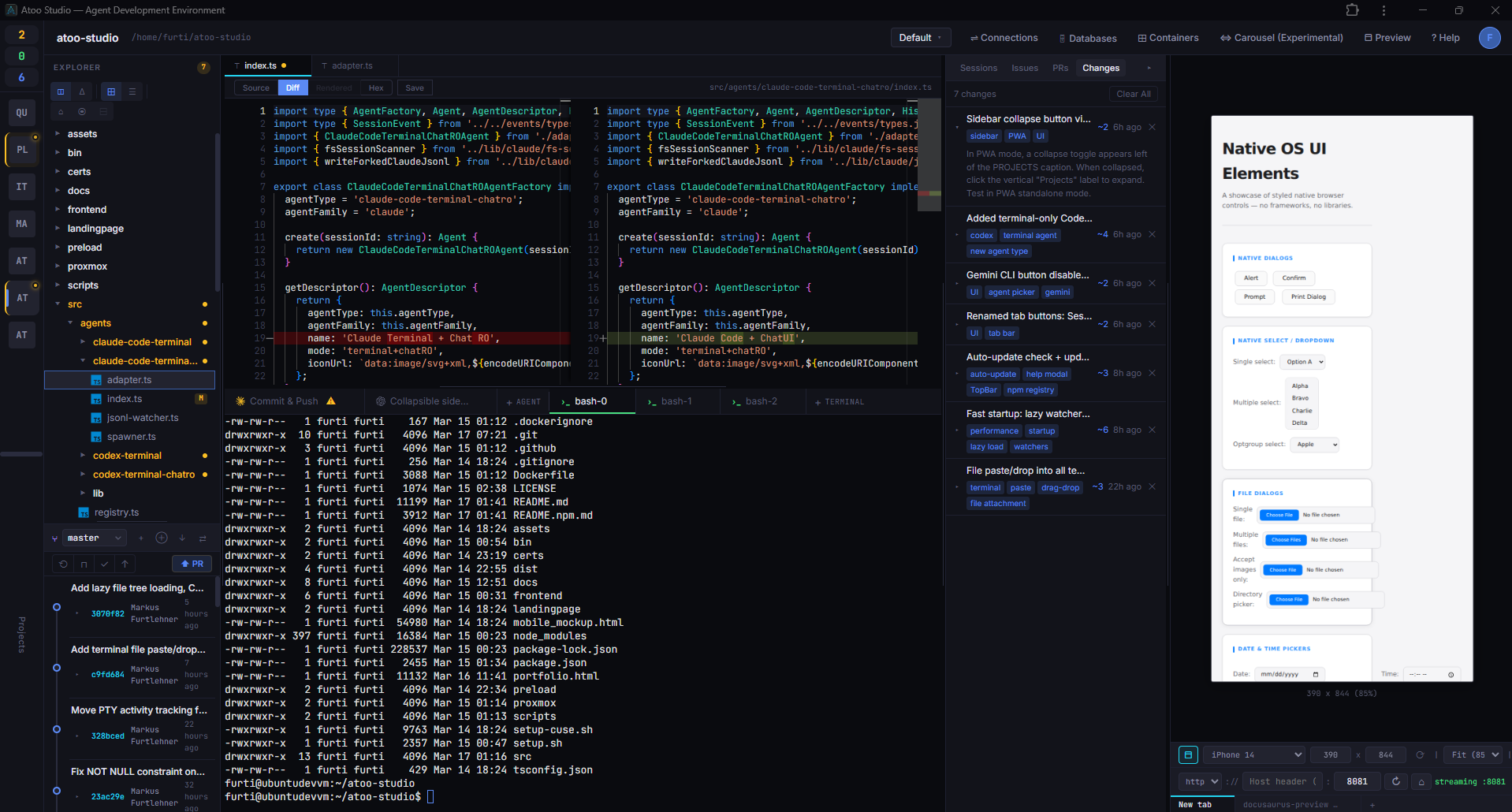
Fork sessions like Git branches
Branch conversations at any point, explore different solutions in parallel, and keep the original session intact instead of losing yourself in one long thread.
Continue the same session with a different agent
Start with Claude, continue with Codex, then hand the same session to Gemini. Compare approaches and keep momentum without starting over.
Let agents run real development environments
Agents can start services, launch dev servers and automatically expose live previews so you can test what they build immediately.
Preview, inspect and debug in one place
Use built-in app preview, DevTools and live terminal logs directly inside the same workspace instead of jumping across browser tabs and terminals.
Flash and debug real hardware
Agents can connect to devices like ESP32 boards, flash firmware and inspect serial output through the browser — even when the runtime runs elsewhere.
Upload, download and drag-drop files
Move files between your local machine and the agent's environment with native drag-and-drop, upload and download — no CLI gymnastics required.
Works on any screen, including mobile
Access your agent sessions from a phone or tablet. The full workspace adapts so you can monitor and interact on the go.
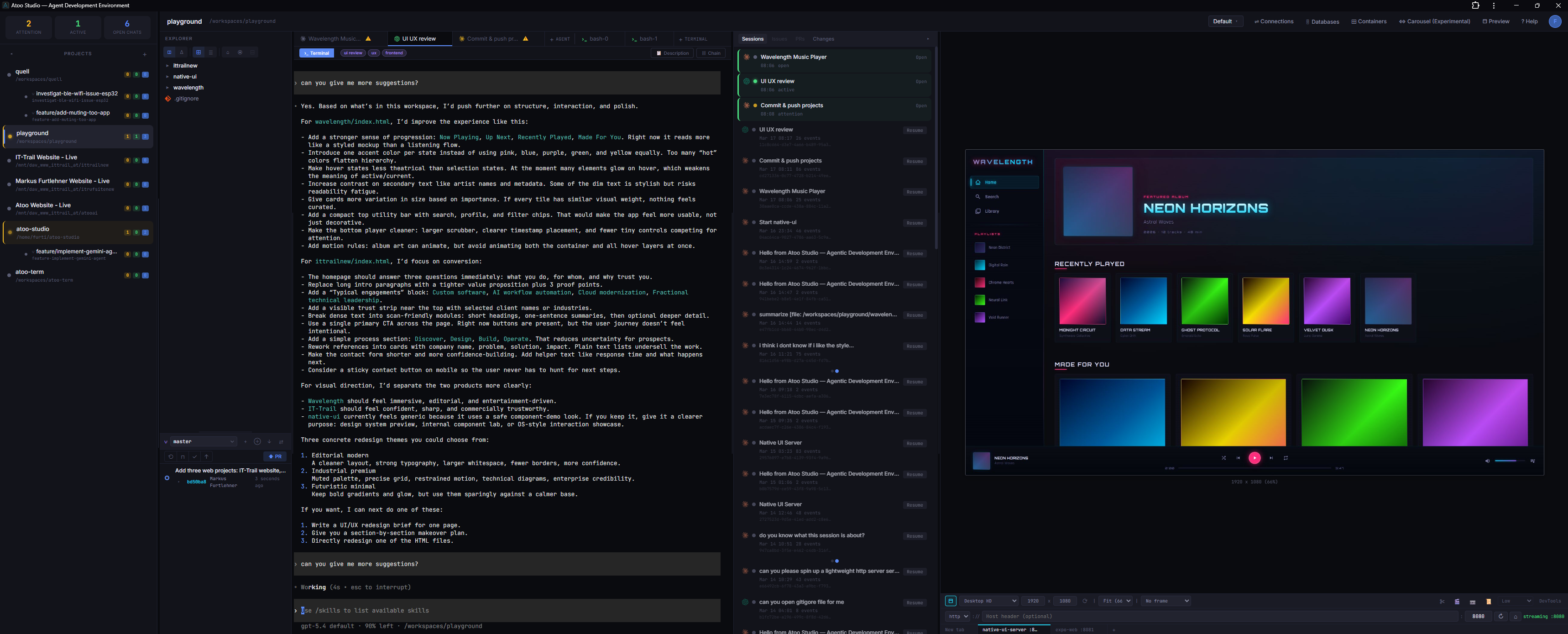
Ultrawide and multi-monitor ready
Stretch the workspace across ultrawide displays with a 21:9 layout that puts agents, previews and terminals where you need them.
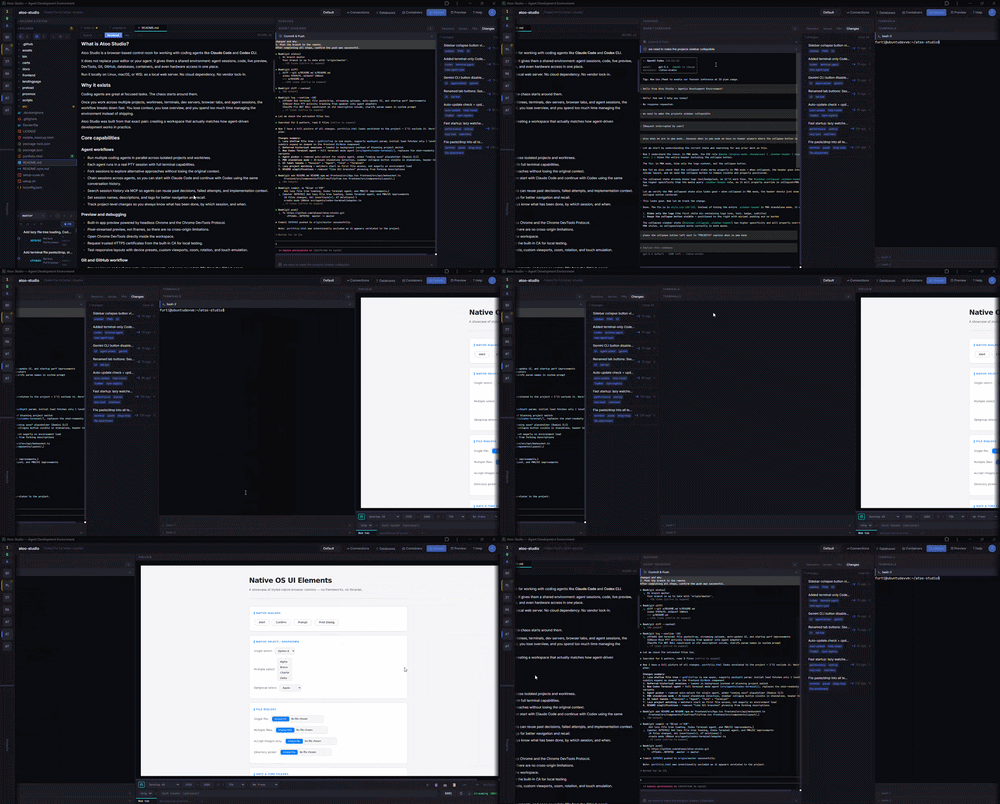
Browse sessions in carousel mode
Switch between sessions visually with a carousel overview that shows all running and recent sessions at a glance.
A typical workflow
Atoo Studio lets you treat agent work more like software development: branch it, continue it, compare it, and run it in a real environment.
Built from real pain, not a pitch deck
Atoo Studio started from a simple problem: using coding agents across multiple projects becomes chaotic fast. This is the environment built to make that workflow actually usable.
Commercial Support
Need help building agent tooling, multi-agent workflows, local-first developer environments, or custom integrations around Claude Code and Codex? Commercial support and consulting are available via IT Trail GmbH.